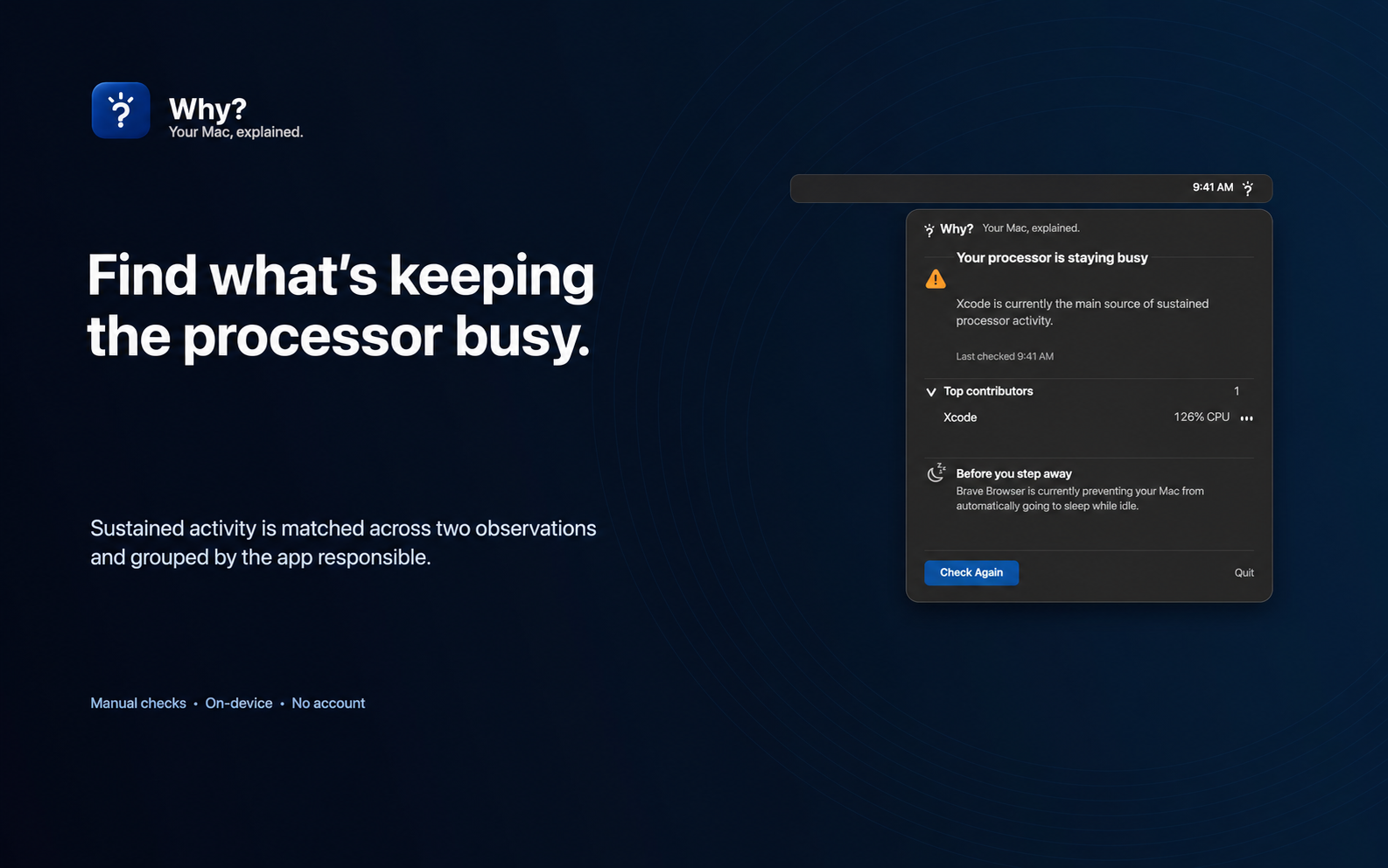
Find what is keeping your processor busy.
Why? looks for sustained activity across two observations, then identifies the strongest qualifying process or application.
 Why?
Your Mac, explained.
Why?
Your Mac, explained.
A one-time check turns trusted macOS signals into a plain-English answer.
Manual checks On-device No account
Why?
Your Mac, explained.
Why? checks your Mac only when you ask. It doesn’t monitor continuously, and each check takes about five seconds.
Why? brings supported macOS signals together and presents the strongest explanation first.
Open it from the menu bar, ask for a check, and get a conclusion in about five seconds. Nothing runs continuously in the background.
Why? looks for sustained activity across two observations, then identifies the strongest qualifying process or application.
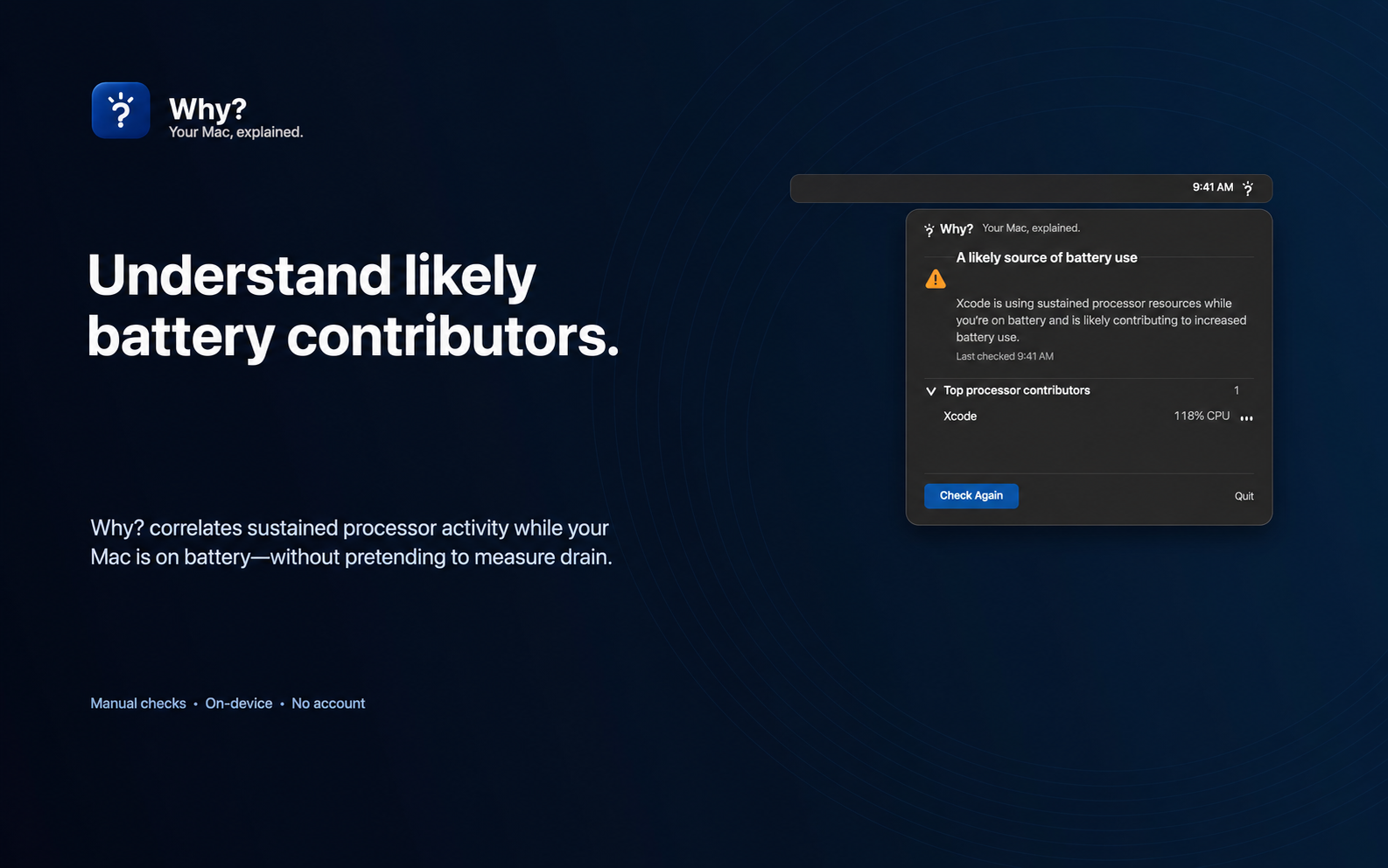
While your Mac is on battery, Why? can explain a likely processor-related contributor without inventing drain rates or battery-life predictions.
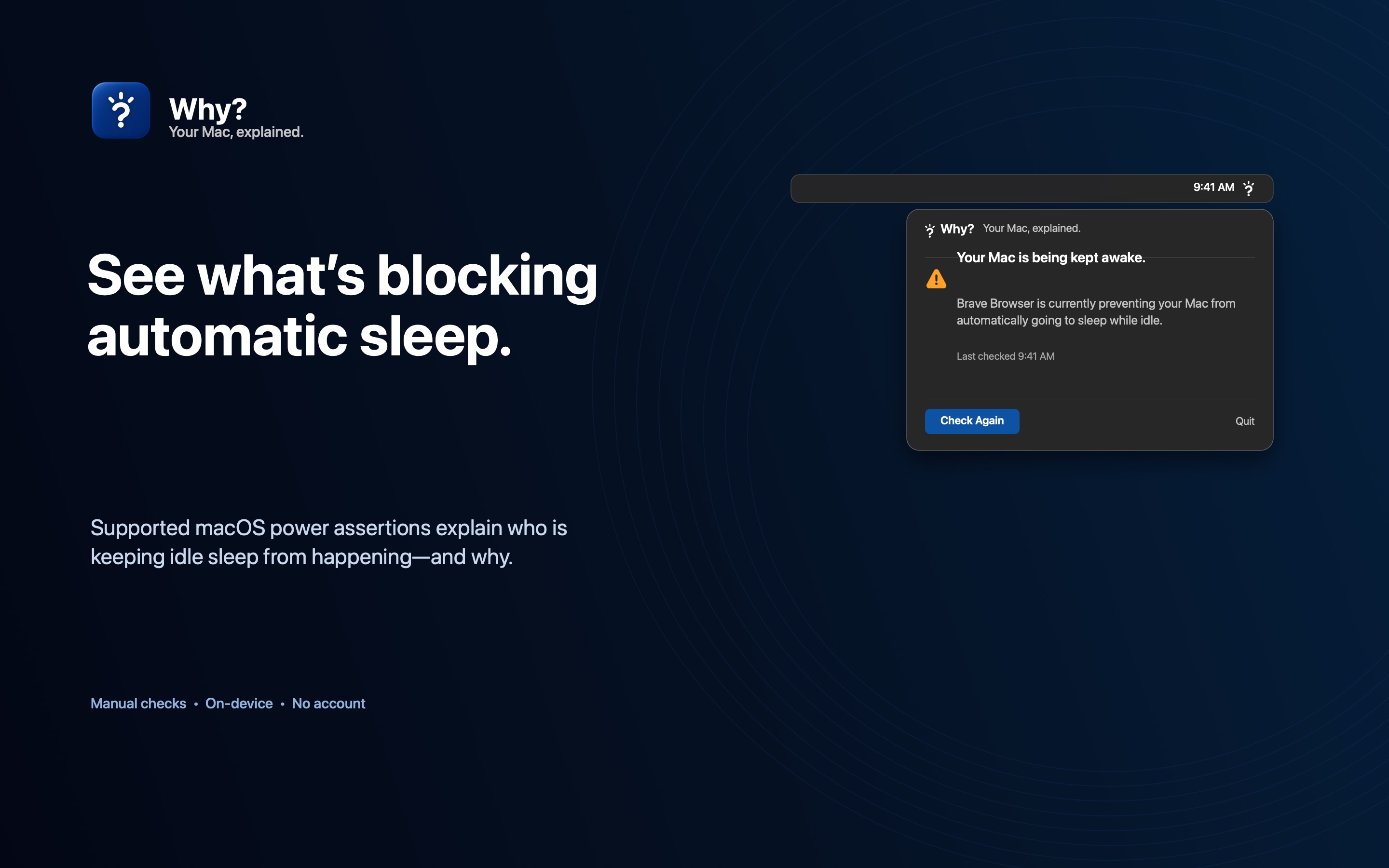
Supported macOS power assertions reveal who is preventing automatic idle sleep and why—without claiming that closing the lid or manual sleep is blocked.
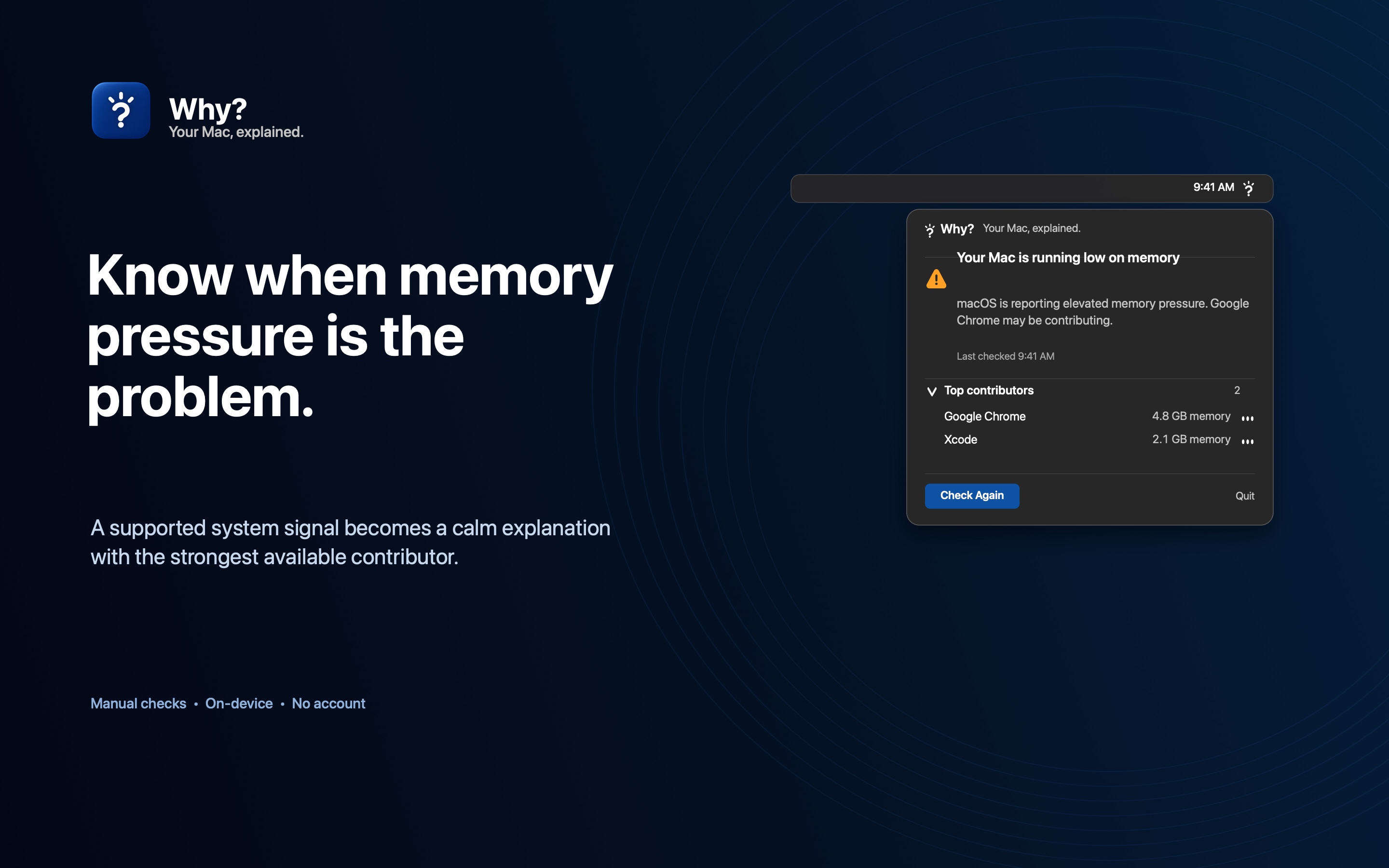
Why? uses macOS memory-pressure signals to explain a real constraint instead of treating low free memory as a problem by itself.
Manual by design
Why? is open source under the MIT license. Explore the source on GitHub or build it yourself. The official signed download is still being prepared.